Printing the QR code card and signs
Print the card from Share, make the code at least 4 cm across, put one on every table, and test it with your own phone.
Updated 3 min readBy the DropSnaps team
Quick answer
Open your event, choose Share and print the card: it carries the QR code (with your PIN built in, if you've set one), the event's name and the six-letter code for anyone who can't scan. Print on heavy card, A5 for the tables and A4 for the bar, keep the code at least 4 cm across, put one on every table, and test it with your own phone.
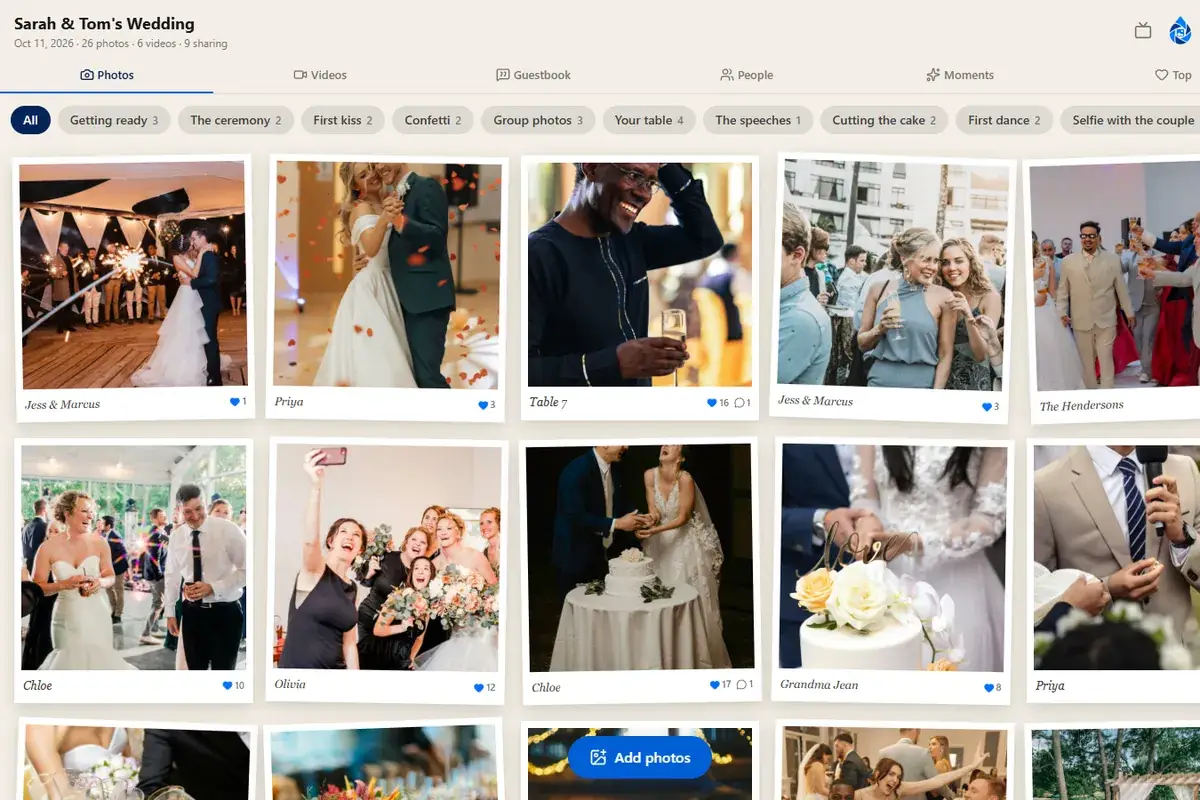
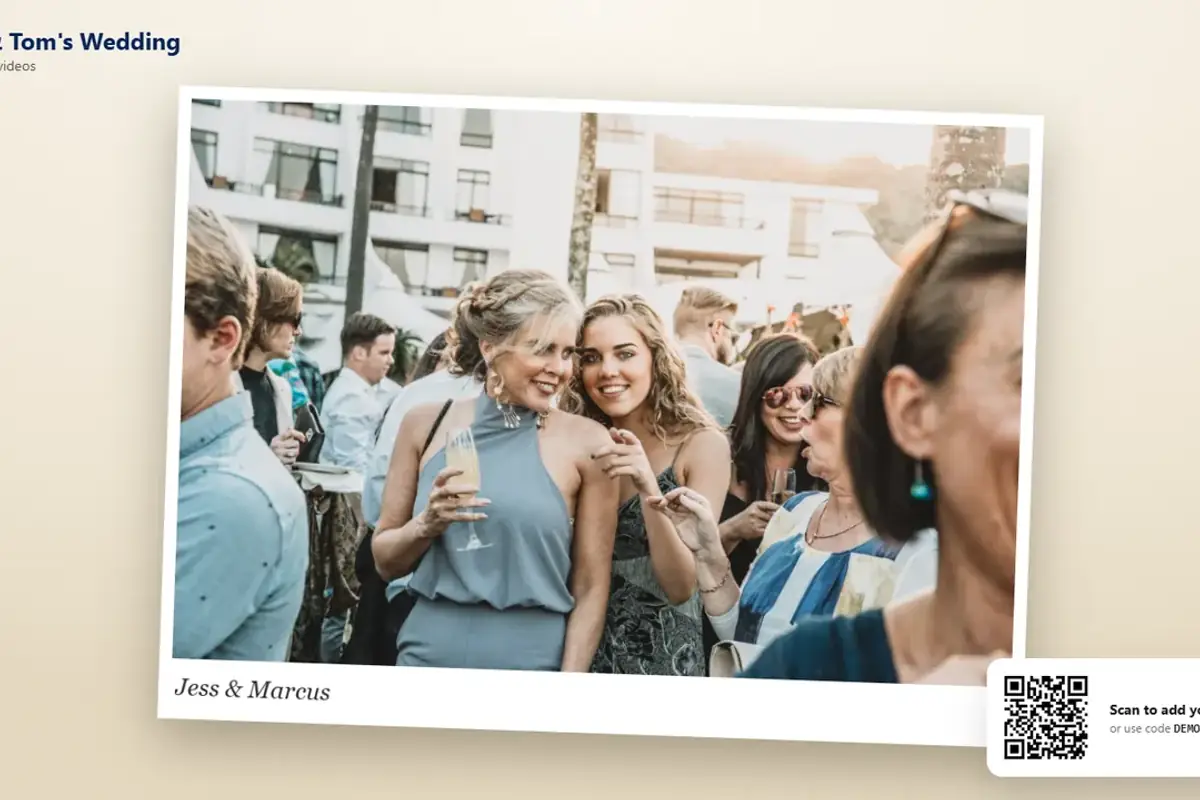
The QR code card is how guests find your event at the venue: one on each table, one at the bar, one by the guest book. DropSnaps makes the card for you with your event's code and, if you've set one, the PIN built into the QR code, so scanning takes guests straight in. Here's how to print it, how big to make it and where to put it.
Printing the card
Open your event, choose Share, and then print the card. You get three designs to choose from, two in the style of your kind of event and a plain one, each with the QR code, your event's name and date, the six-letter code for anyone who can't scan, a line telling guests what to do, and a small DropSnaps mark. Download the A5 PDF (it has the 3 mm bleed a print shop wants) or print straight from the page. Print on card (250 gsm or heavier) so it stands up in a holder, or on plain paper to put in a frame. On A4 paper choose "fit to page", or print two to a sheet.
How big
A QR code needs to be at least 4 cm across to scan easily from a seat at a table; 5 or 6 cm is better for the bar and the guest book, where people stand further away. Measure the code on your first print and go up a paper size if it comes out smaller. For a welcome sign or a board at the entrance, print at A4 or A3.
Where to put them
- Every table. This is where most photos get shared: between courses, when people pick up their phones.
- The bar. People queue, and people scan while they queue.
- The guest book. So guests see that the guest book and the photos are the same thing.
- The dance floor or the DJ. The evening's photos are the ones you most want.
- The entrance, with the welcome sign, for guests who like to sort things out early.
Put them out before guests arrive and leave them until the end.
Testing before the day
Print one, put it on a table, and scan it with your own phone's camera from a seat. If the event opens, every guest's phone will do the same. If you've set a PIN, scanning should not ask for it: the code on the card carries it. Typing the six-letter code on the home page is the fallback for a phone that can't scan.
Signs and templates
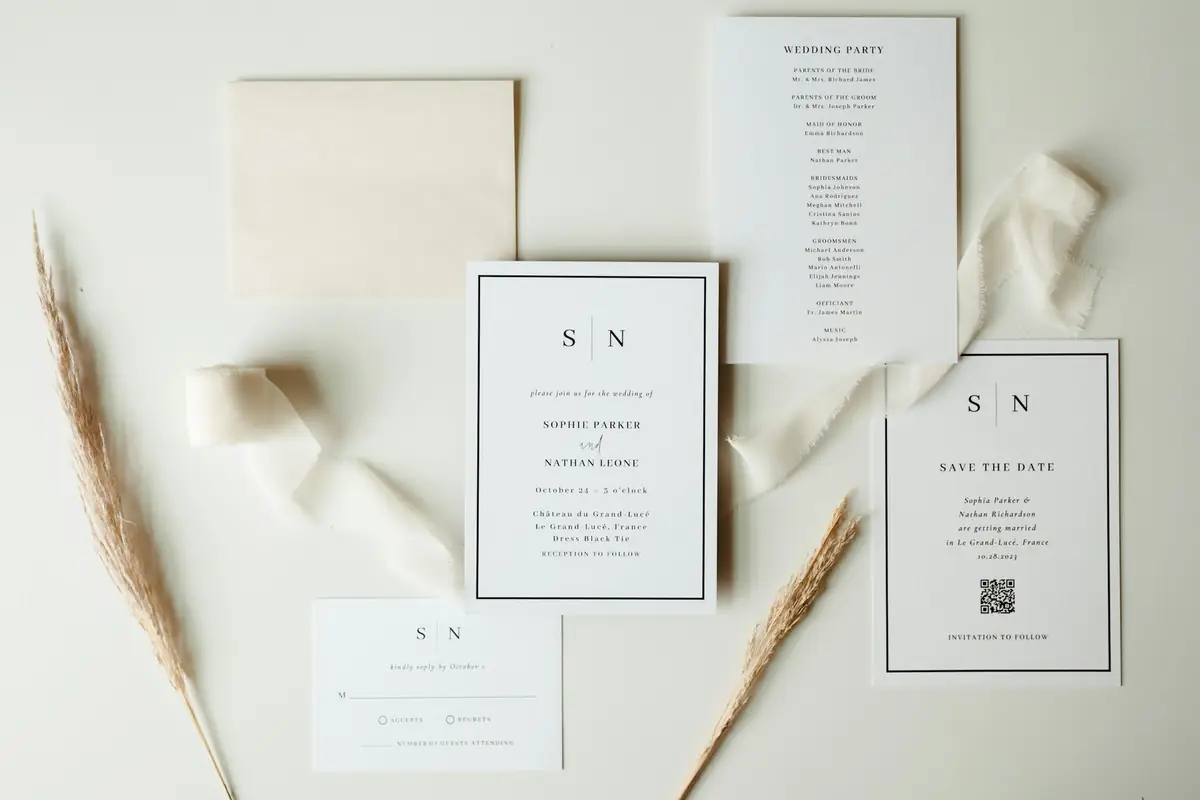
The card is the one sign you can't do without; if you want more, the free printable signs and templates guide has a share-your-photos table card with a space for the QR code, an unplugged ceremony sign, a guest book sign and prompt cards, all as PDFs, and the wedding signs guide covers every other sign a wedding uses.
A note on QR codes and PINs
The QR code on the printed card includes the PIN, so anyone who has the card can open the event. Keep the spare cards with you rather than leaving a pile by the door, and change the PIN after the event if you'd like the link to stop working for anyone who kept a card.
Questions people ask
How big does the QR code need to be?
At least 4 cm across to scan easily from a seat at a table; 5 or 6 cm at the bar or the guest book, where people stand further away. Measure the first print and go up a paper size if it comes out smaller.
Does the QR code include the PIN?
Yes. Scanning the printed code opens the event without asking for the PIN, which is why the card works at the tables. Keep spare cards with you rather than leaving a pile by the door.
Where should the cards go?
Every table, the bar, the guest book and near the dance floor, from before guests arrive until the end. The free printable signs and templates guide has a share-your-photos card with space for the code, and more.