
For weddings, parties and every event
Every guest's photos, in one place.
Share a QR code. Guests upload photos and videos straight from their phone, everyone watches the live wall, and you keep every original.
Attending an event? Search its name or enter the code from your QR card.
What is DropSnaps?
DropSnaps is a QR code photo-sharing service for weddings, parties and other events, run from the UK. Guests scan a QR code and add photos and videos from their phone's web browser, with no app to download and no account to create. Everything appears on a live wall and a TV slideshow at the venue, and the organizer keeps every original in full quality. It's free for a small gathering; paid plans are one payment per event.
New to collecting guests' photos? Start with our complete guide to wedding photo sharing, or see how we compare with other services.
At a glance
- What it's for
- Collecting guests' photos, videos and messages at weddings, birthdays and parties, work events, reunions, funerals and celebrations of life
- What guests need
- A phone with a camera and a web browser: no app and no account
- What guests share
- Photos in full quality, videos on Standard and Premium, and guest book notes that can come with a photo
- At the venue
- A live wall and a TV slideshow that update as photos arrive, with the QR code on screen
- Privacy
- An optional PIN, approve-before-showing, hide or delete anything, and a report button on everything shared
- Price
- Free for up to 50 photos; Standard £45 or Premium £99 per event, VAT included, no subscription
- How long photos are kept
- 12 months on paid plans, with more time available to buy; 30 days on Free
- Afterwards
- Download every original in one zip file, and the guest book as text or a spreadsheet (or a print-ready keepsake on Premium)
- Where photos are stored
- Western Europe
See it in action
A sample wedding with photos arriving live. It's the real thing: open it, heart a photo, even add one of your own (it stays on your device).
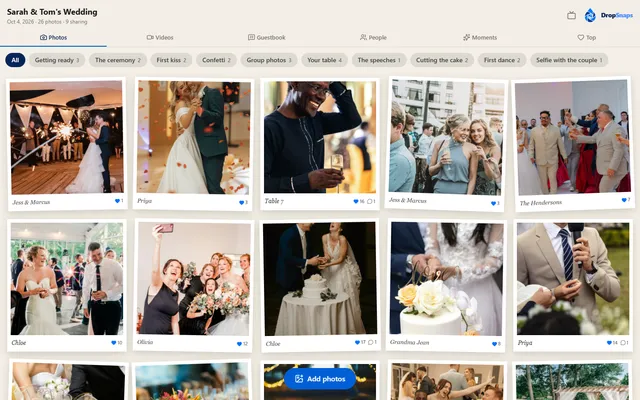
The live wall
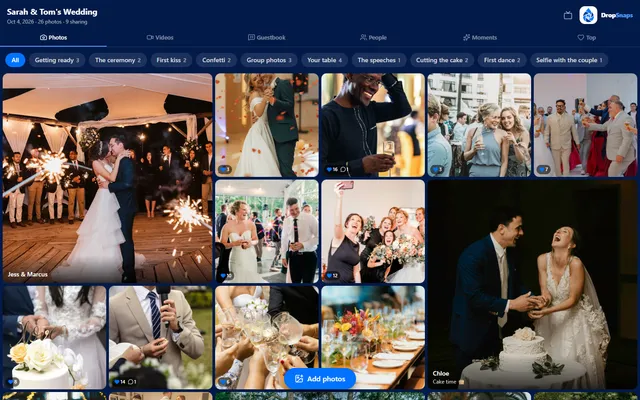
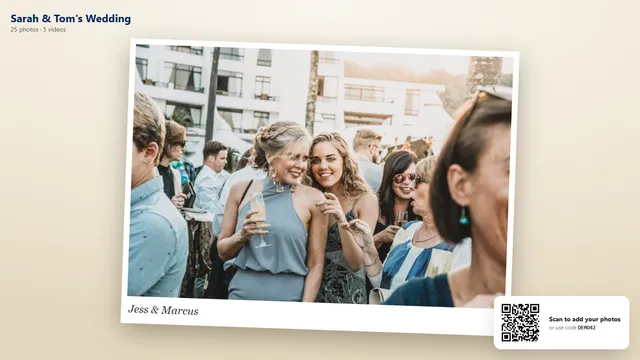
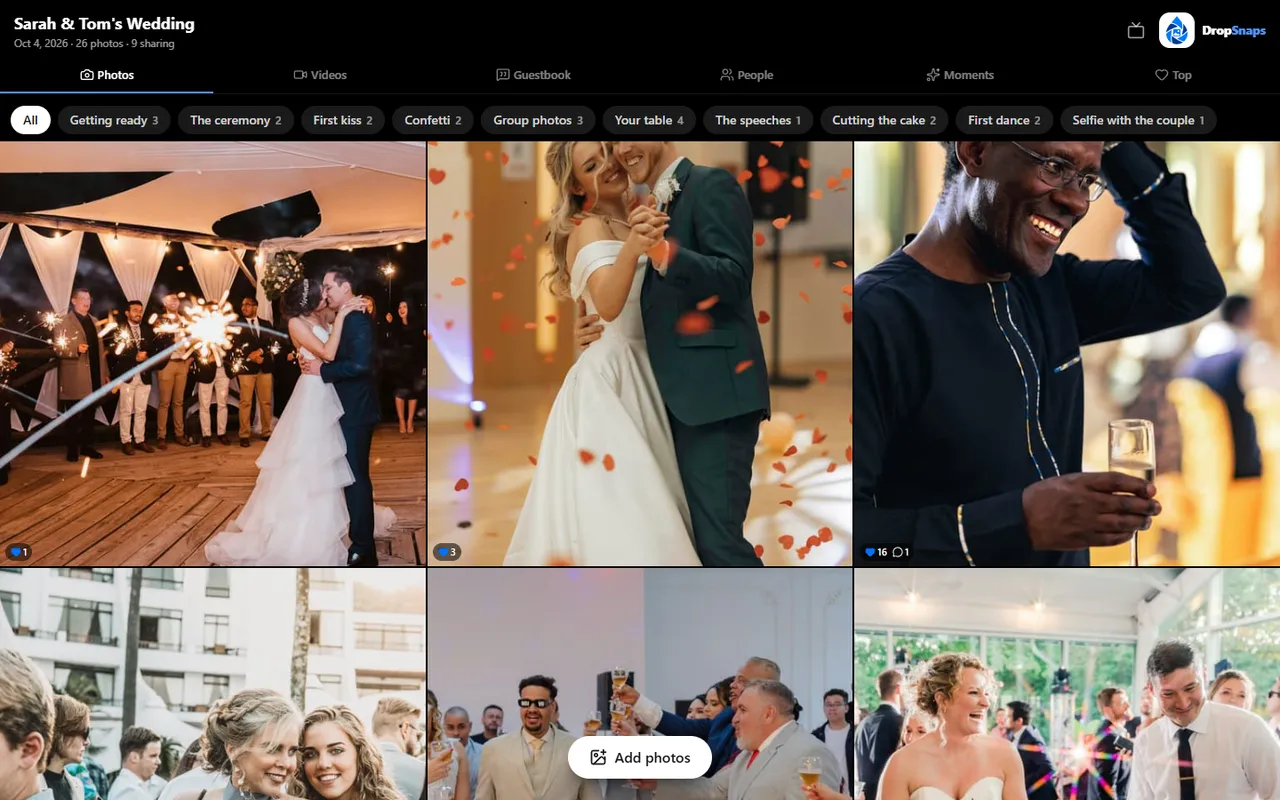
Every photo lands as a Polaroid print the moment a guest shares it. Everyone hearts their favourites, comments, and browses by moment.
Open the live wall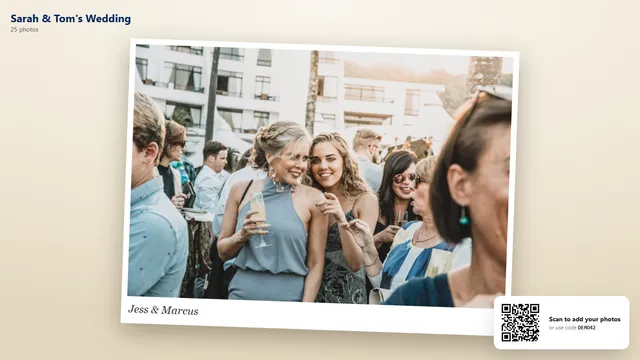
The TV slideshow
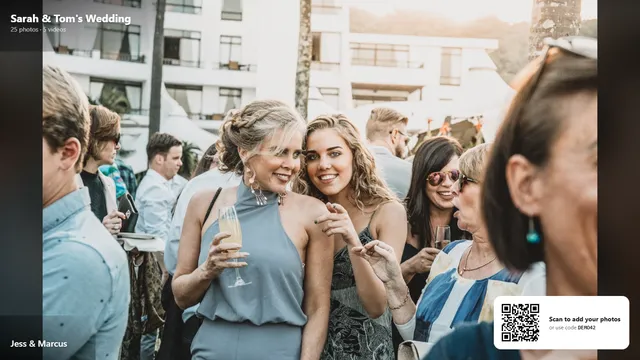
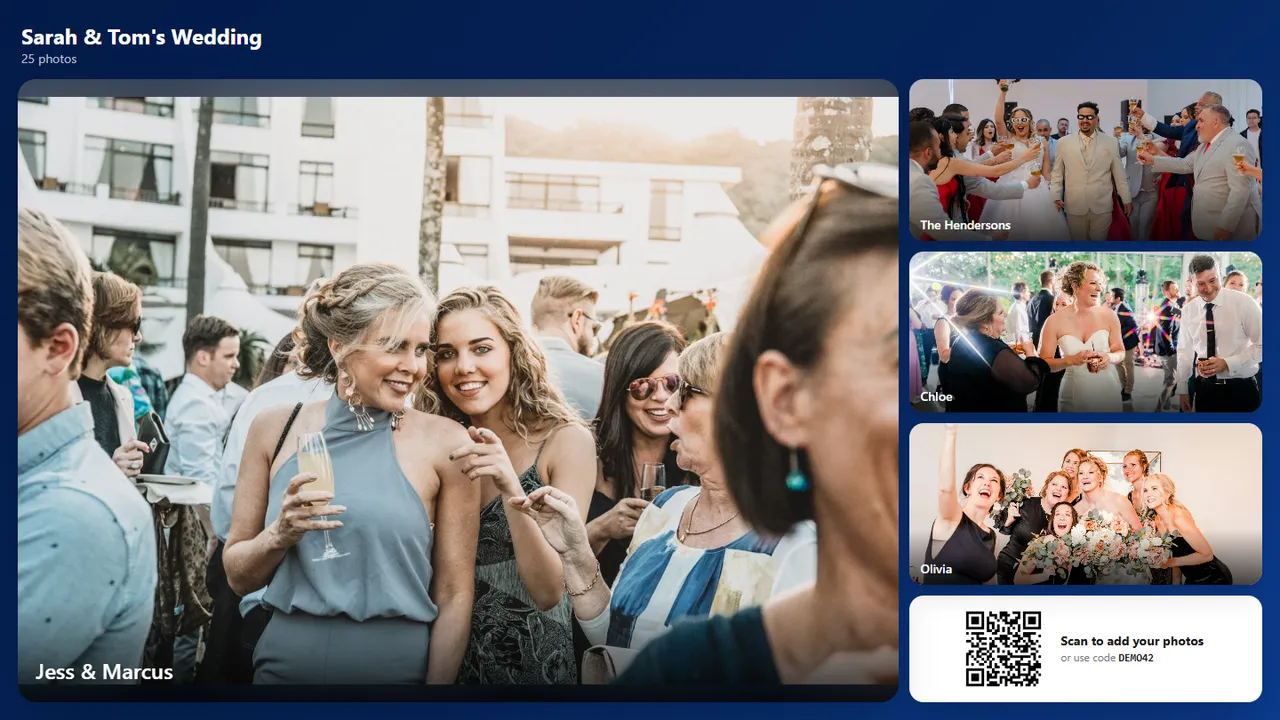
Put it on the big screen at the venue. New photos jump the queue, and the QR code in the corner brings more guests in.
Open the slideshow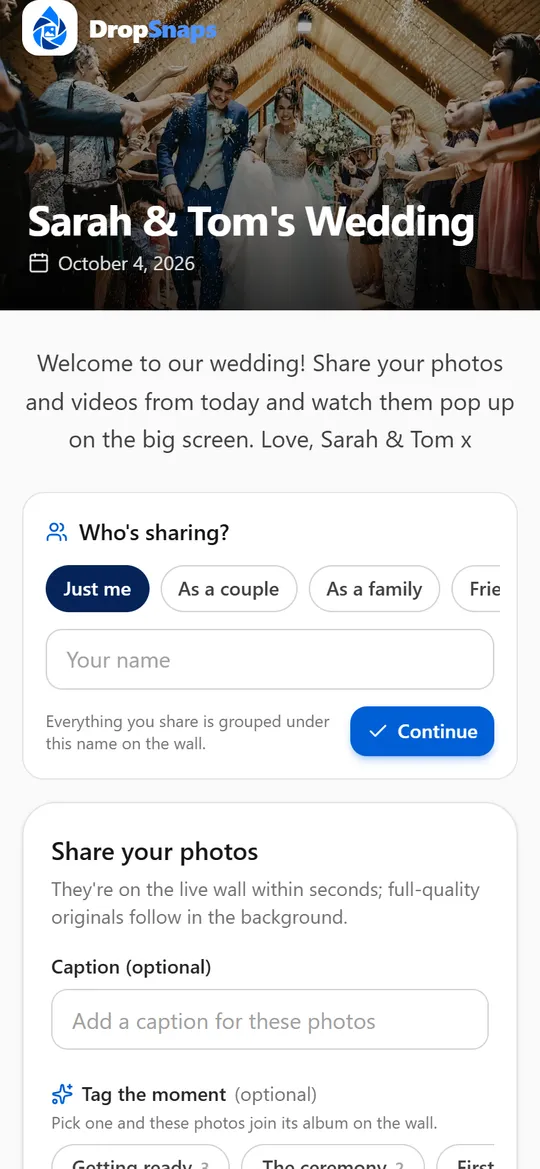
What guests see
They scan the QR code and they're in: no app, no account. Photos, videos and a note for the guestbook in seconds.
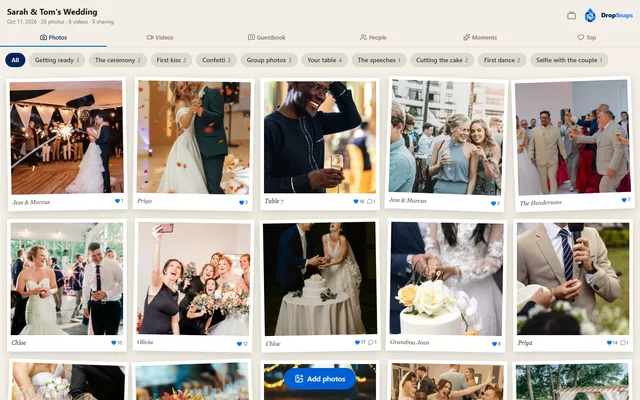
Open the guest pageSix looks to choose from
Pick one for the wall and one for the slideshow in your event's settings, and change it whenever you like.
How it works
Create your event
Name it, pick a date and print the QR code card for tables, the bar or the invitations.
Guests scan and upload
No app, no account. Guests open the link on their phone and add photos and videos in seconds.
Watch the wall fill up
Everything appears on a live wall as it lands. Guests heart their favourites; you download it all.
Built for the big day
Photos and videos
Full-quality originals are kept. The wall shows fast, phone-friendly versions.
Live wall
An Instagram-style grid that updates as guests upload, on any screen.
Favourites
Guests heart the best moments. A Top tab surfaces the crowd's favourites.
Download everything
Grab every original in a single zip after the event, or pick the ones you love.
QR code and short code
A printable card and a six-letter code make the event easy to find.
You're in control
Open or close uploads, approve before showing, or turn the wall off any time.
Simple, per-event pricing
Pay once per event. No subscription. Prices include VAT.
Try it with a small gathering
- • Up to 50 photos
- • Live wall, reactions and guestbook
- • QR code, share link and print card
- • Kept for 30 days after your event
Everything you need for the big day
- • Unlimited photos and videos, no batch limits
- • 100 GB storage – around 30,000 photos
- • Original quality, never compressed
- • Videos up to 4 GB each, streamed in the best quality each connection allows
For big weddings and long videos
- • Unlimited photos and videos, no batch limits
- • 250 GB storage – around 75,000 photos
- • Original quality, never compressed
- • Videos up to 8 GB each, streamed in the best quality each connection allows
Planning your day?
Practical guides to collecting every guest's photos and videos.
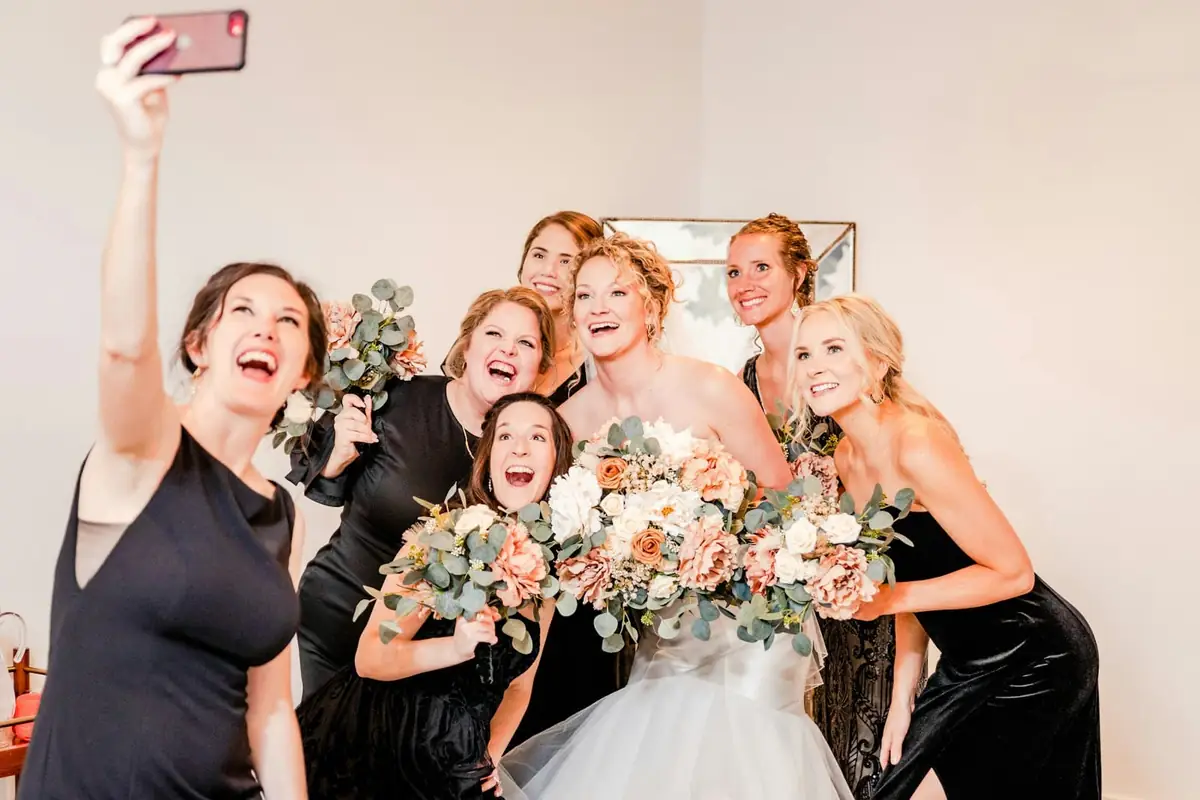
Wedding photo sharing: how to collect every guest's photos
The complete guide: every way to collect your guests' photos and videos, how to set it up, and what to do with them after the day.

The best wedding photo sharing apps in the UK, compared
Eight QR code photo-sharing services compared honestly: prices, free plans, video, guest books, live walls and what guests need.
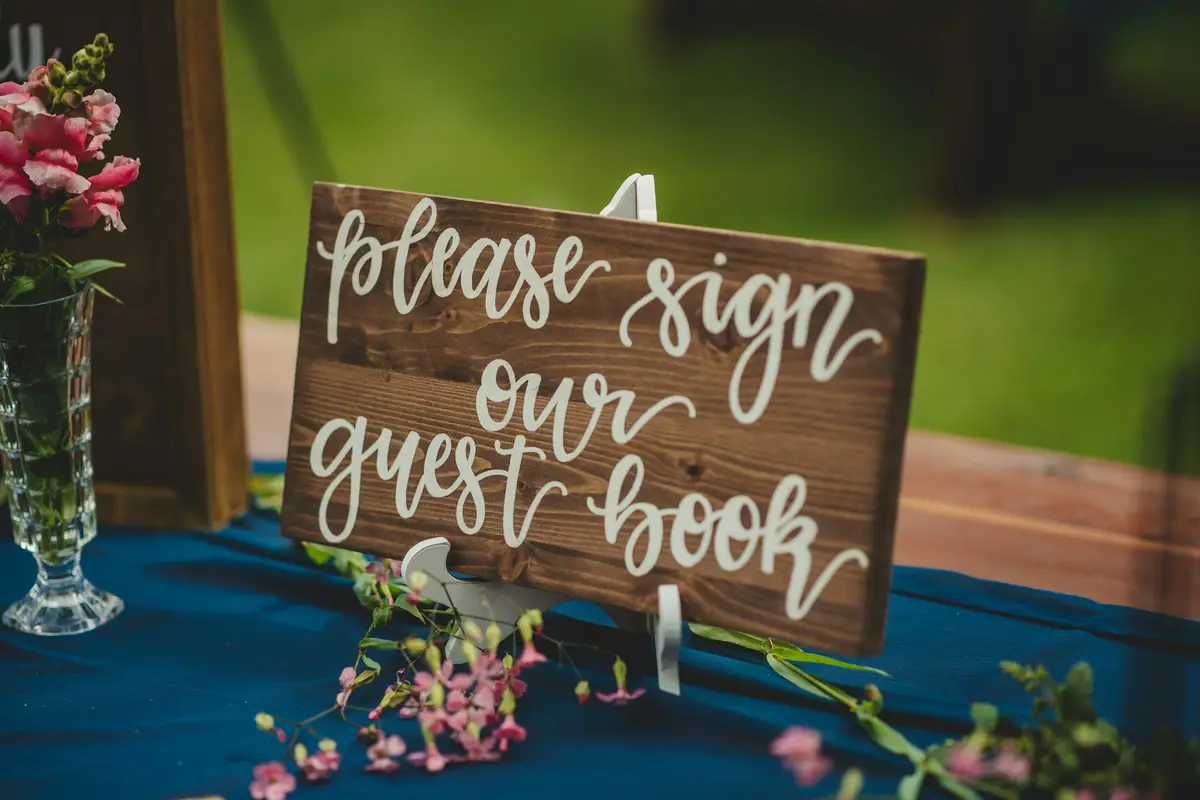
Wedding guest book ideas: 30 alternatives to the classic book
Thirty guest book ideas grouped by the keepsake you want to end up with, from Jenga blocks to audio phones and digital messages.
Live photo walls and reception slideshows: a practical guide
What you need to show guests' photos on a TV or projector as they arrive, where to put the screen and how to keep it family-friendly.
Questions people ask
What is DropSnaps?
DropSnaps is a QR code photo-sharing service for weddings, parties and other events, run from the UK. Guests scan a QR code and add photos and videos from their phone's web browser, with no app to download and no account to create. Everything appears on a live wall and a TV slideshow at the venue, and the organizer keeps every original in full quality. It's free for a small gathering; paid plans are one payment per event.
How much does DropSnaps cost?
It's free for a small gathering: up to 50 photos, kept for 30 days. For a wedding, Standard is £45 and Premium £99: one payment per event, VAT included, with no subscription. See pricing for what each plan includes.
Do guests need to download an app or create an account?
No. Guests scan the QR code or open the link, and the event opens in their phone's web browser. They can add their name if you ask for one, but there's nothing to install and no account to create. It works on iPhones, Android phones, tablets and computers.
How do guests find our event?
Every event has a QR code, a share link and a six-letter code. Print the QR code card for the tables, the bar or the invitations, or share the link in your group chat. Unless you turn it off, guests can also find the event by searching its name on our home page. See where to put your QR code.
Can guests upload videos as well as photos?
On Standard and Premium, yes: videos up to 4 GB each on Standard and 8 GB on Premium, and every video, iPhone ones included, streams in the best quality each guest's connection allows, with the original kept for download. The Free plan is for photos.
Will our photos be compressed?
No. We keep every original exactly as it was uploaded, in full quality. The wall and slideshow show fast, web-sized copies, and you can download the originals whenever you like.
Can we show the photos on a TV at the venue?
Yes. Open your event's slideshow on a smart TV, a laptop plugged into a screen or a projector. New photos join the show as guests share them, and a QR code in the corner invites more guests in. Our live photo wall guide covers the set-up.
Who can see the photos?
Anyone with your event's link, QR code or six-letter code, so share it with your guests rather than publicly. For more privacy, add a PIN, turn off "Findable by name" and approve photos before they appear. You can hide or delete anything at any time. More in our privacy guide.
Can we download all the photos afterwards?
Yes. Download every original in one zip file, or pick out the ones you love. On Standard and Premium you can also let guests download photos.
Can we keep the guest book messages?
Yes. Download them as plain text or a spreadsheet from your event's Guest book page, on every plan. On Premium you can also print them as a keepsake: one letter per page, or a book with a title page, with each guest's photo beside their message.
What if someone shares something inappropriate?
You can hide or delete anything on your event, or turn on approval so nothing appears until you've checked it. Guests can report a photo, video or message to us, and anything reported as sexual content is hidden straight away while we look at it.
Can guests keep sharing after the day?
Yes. Uploads open 7 days before your event date and stay open for 60 days after it, so a reminder the morning after, or a week later, still catches everyone's camera rolls. You can choose an earlier last day in your event's settings (a week after the day, say), or close uploads whenever you like; the wall stays up for as long as the photos are kept. Need longer? Contact us and we'll move the date.
How is it different from a shared Google Photos or iCloud album?
A shared album asks guests to use that service: adding photos to a Google Photos album is done from a Google Account, and new iCloud shared albums hold up to 100 people and use your iCloud storage. With DropSnaps, guests on any phone scan a QR code and share without an account, and you get a live wall, a TV slideshow and a guest book as well. See shared albums for weddings.
Does it work for events other than weddings?
Yes: birthdays, parties, work events, reunions and funerals or celebrations of life. Each kind of event starts with its own moment tags, such as "The cake" at a birthday or "Old photos" at a memorial. See photo sharing beyond weddings, or try the live demo first.
How many photos can guests upload?
Up to 50 on the Free plan. On Standard and Premium, as many as they like within the event's storage: 100 GB on Standard (around 30,000 photos) and 250 GB on Premium. A typical wedding uses 2 to 10 GB.
Ready for the big day?
Set up takes two minutes. Print the QR card and your guests do the rest.