iPhone photos and videos: HEIC, HEVC and what guests see
HEIC photos and HEVC videos are converted to show and play everywhere; the originals are kept. What guests see while that happens.
Updated 4 min readBy the DropSnaps team
Quick answer
iPhone HEIC photos and HEVC videos are converted so they show and play on every device: a photo appears within seconds as a web-sized JPEG while the HEIC original uploads behind it, and a video shows with a still frame and plays once it's converted into a stream in three qualities, which takes about as long as the video lasts. The originals are kept and are what you download.

iPhones save photos as HEIC and videos as HEVC, formats that older phones, Windows laptops and some TVs can't show. DropSnaps converts both so that everything plays everywhere, keeps the originals untouched for you to download, and does the heavy work on its own servers rather than on the guest's phone. Here's what happens to an iPhone's photos and videos, and what you'll see while it does.
Photos
A guest's iPhone photo is uploaded as the HEIC original, and alongside it the app sends a web-sized JPEG copy and a small thumbnail made on the phone. The wall, the slideshow and the guest's own page use the JPEG, so the photo shows on every device the moment it lands. The original goes up a few seconds later and is what you get when you download. Nothing is lost: the HEIC is the file the phone made, in full resolution.
Photos taken in portrait on a phone are turned the right way up; location data is removed from every photo before it leaves the phone.
Videos
A video is uploaded as recorded, and the moment it arrives it shows with a still frame and a play button while it's converted. Conversion makes an adaptive stream in three qualities (1080p, 720p and 480p), so the video plays in the best quality each viewer's connection can carry, starting in a second or two, like YouTube. iPhone HDR video is tone-mapped so the colours look right on every screen. Conversion takes about as long as the video lasts: a two-minute clip is ready in a couple of minutes, a long speech in a while longer. While it converts, the video can still be downloaded, and guests whose phones can play the original (other iPhones, Macs) can play it straight away.
The original is kept and is what the download gives you. Videos can be up to 4 GB on Standard and 8 GB on Premium; the Free plan is for photos.
What guests see
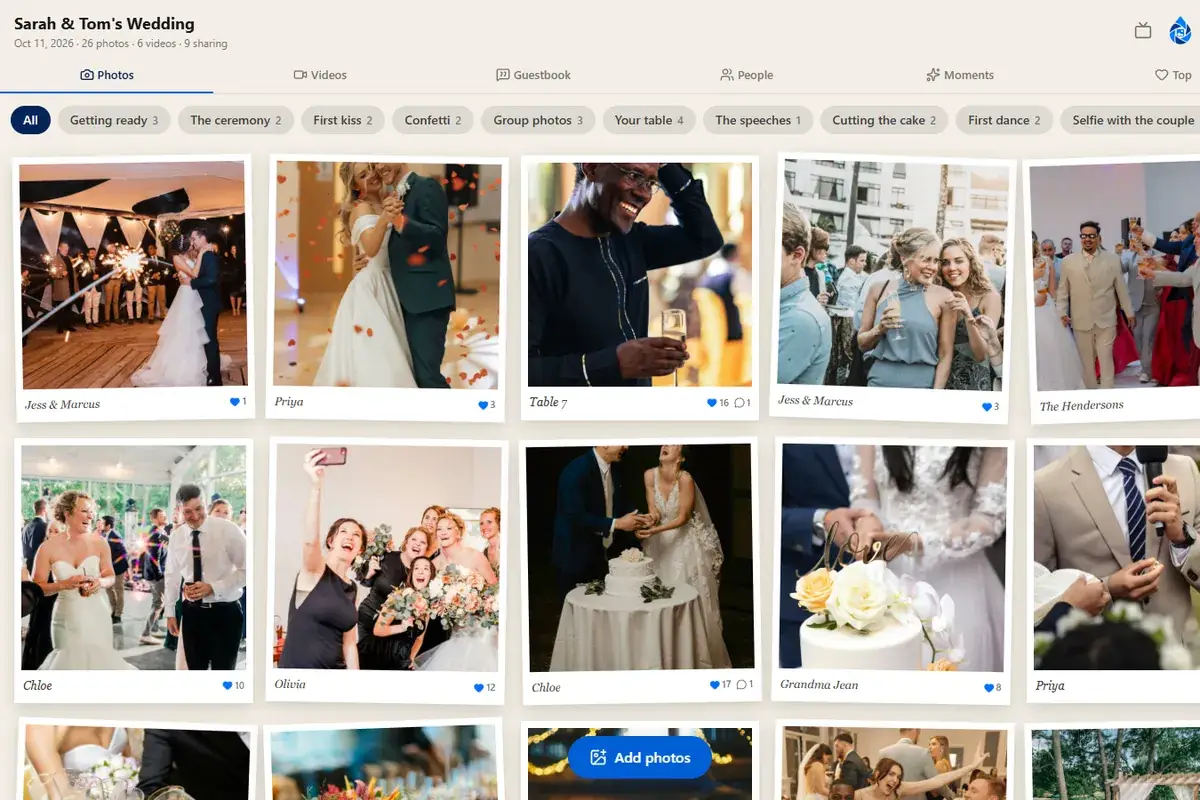
- A photo: appears within a few seconds, first on their own page, then on the wall (or in your approval queue).
- A video: appears with a still frame and a play button; it plays once converted, which is usually by the time anyone looks.
- A big video on a slow connection: the upload carries on in the background while they keep using the page. If the phone goes to sleep or the browser is closed, the upload stops; opening the page again and sharing the video again starts it afresh.
If something looks wrong
- A video won't play on one device: it's probably still converting. Wait a few minutes and reload.
- A photo looks dark or washed out: some HDR photos look different on screens that can't show HDR; the original is unaffected.
- A video is the wrong way round: phones record the rotation as a note in the file, which the conversion honours; if a video plays sideways, let us know with the event's code and we'll look.
Questions people ask
Why does a video show a still frame with a play button?
It's being converted into a stream that plays everywhere in the best quality each connection carries. Conversion takes about as long as the video lasts; the still frame shows meanwhile, and iPhones and Macs can play the original straight away.
Are iPhone photos converted to JPEG?
The copies the wall and slideshow show are JPEGs made on the phone as it uploads; the HEIC original is kept untouched and is what you get when you download.
How long can a video be?
Up to 4 GB per video on Standard and 8 GB on Premium, which covers speeches and first dances many times over. The Free plan is for photos.