The guest book: notes with photos, downloads and the keepsake
Notes with photos attached, read on the wall, downloaded as text or a spreadsheet, and printed as a keepsake on Premium.
Updated 3 min readBy the DropSnaps team
Quick answer
Guests write in the guest book from the event page on their phone, attaching the photos they've just shared if they like, and the notes show on the wall's Guest book tab as they arrive. You download the guest book as plain text or a spreadsheet on every plan, and Premium events can print it as a keepsake in a choice of designs.

The guest book is the written side of an event: a note from each guest, with photos attached if they like, next to the photos everyone shares. Guests write it on their phone, you read it on the wall as it fills, and afterwards you download it or print it. Here's how it works on each plan.
How guests write in it
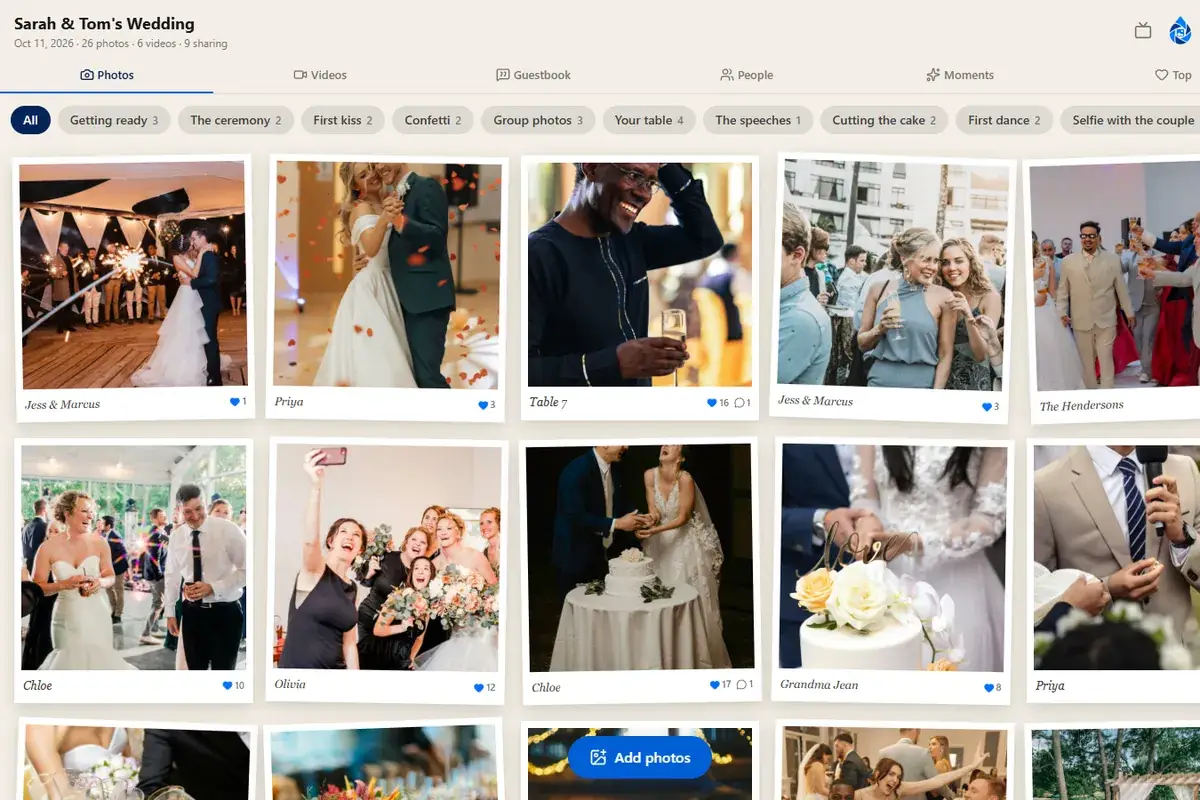
The guest page has a box for a message. A guest types their note, and any photos they've just shared are offered to attach to it, so a note can come with the photo it's about ("Best table by a mile", with the photo of the table). Messages show on the wall under the Guest book tab, with the name the guest gave and the photos alongside.
Prompts help the people who don't know what to write: the what to write in a wedding guest book guide has prompts, and the guest book prompt cards are a printable set to leave on the tables.
Reading it
The Guest book tab on the wall shows every message newest first, and the organizer's dashboard shows them with the option to hide one or delete it. Like everything else, messages can be held for approval if "Approve before showing" is on.
Downloading it
From the Guest book page in your dashboard, download the messages as:
- Plain text, each message with the name and the date, for reading or pasting into something else.
- A spreadsheet, one message per row with the name, the note, the date and the photos it came with.
Both are available on every plan.
Printing a keepsake
Premium events can print the guest book as a keepsake: a PDF laid out in a choice of designs, with or without the attached photos and dates, sized for a home printer or a print shop. It makes the guest book into a book, which is what most people hoped for when they asked guests to write something.
Tips
- Say what you'd like on the guest book sign: a memory, a wish, a piece of advice.
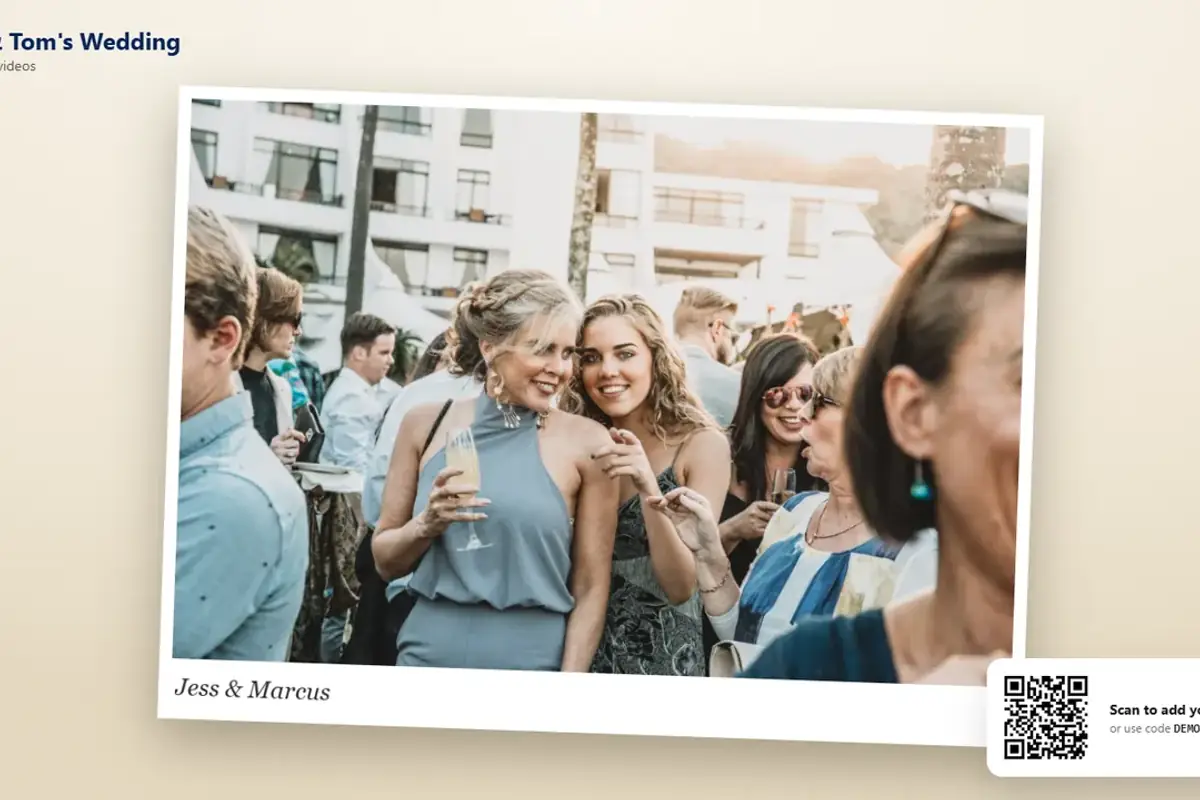
- A photo of the guest with the couple, attached to their note, makes the best keepsake pages.
- The guest book keeps going after the day; many guests write once they've slept.
Questions people ask
Can a note include a photo?
Yes. When a guest writes a note, the photos they've just shared are offered to attach to it, so a note can come with the photo it's about, and the keepsake prints them together.
How do I download the guest book?
From the Guest book page in your dashboard: as plain text with names and dates, or as a spreadsheet with one note per row and the photos it came with. Both are on every plan.
What is the keepsake?
A printable PDF of the guest book, laid out in a choice of designs, with or without the attached photos and dates, for a home printer or a print shop. It's included on Premium.