Wedding slideshows: how to make one, song ideas and live slideshows
How to make a story slideshow, song ideas, when to show it, and a live slideshow of guests' photos at the reception.
Updated · 5 min read·By the DropSnaps team
Quick answer
There are two kinds of wedding slideshow: a story slideshow of the two of you, made before the day, and a live slideshow that shows guests' photos on a screen as they share them. For a story slideshow, pick 60 to 90 photos at about four seconds each, keep it to three to five minutes, and test it at the venue.
Questions people ask
How long should a wedding slideshow be?
Three to five minutes holds a room's attention: about 60 to 90 photos at four seconds each. Ten minutes feels long, however lovely the photos.
How do I display guests' photos at the reception?
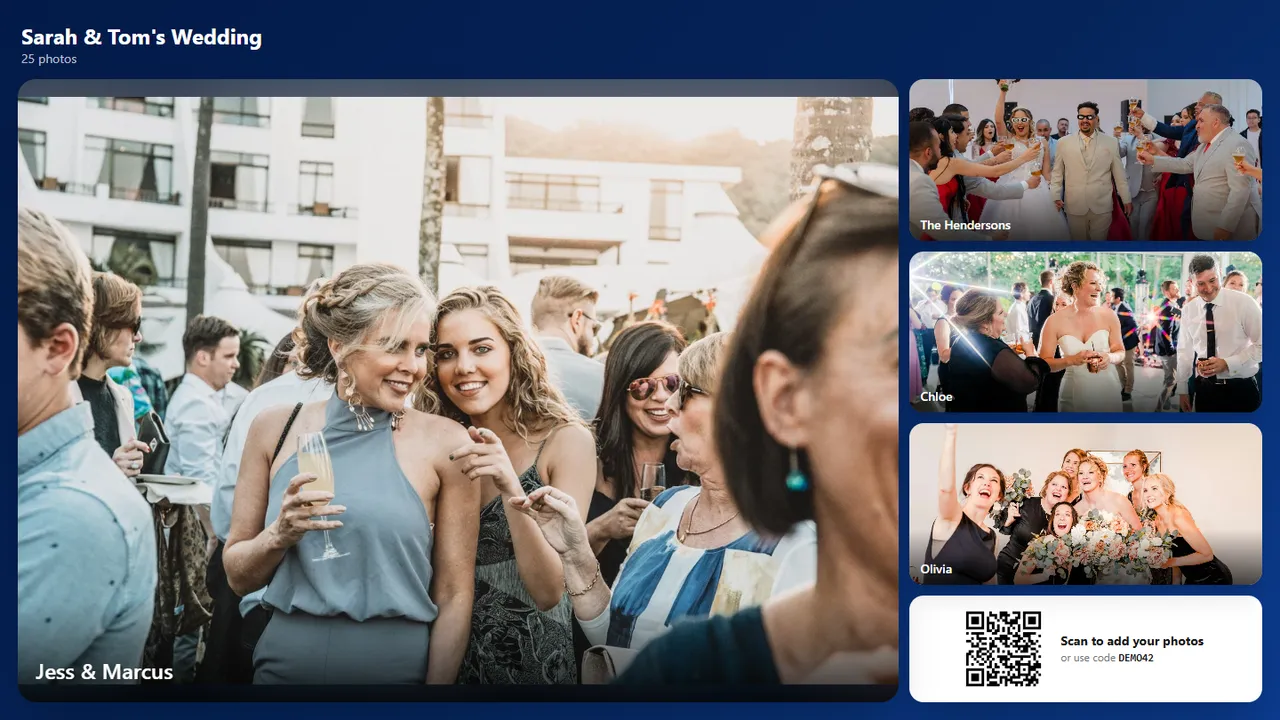
Run a live slideshow from a photo-sharing page on the venue's TV or projector. Guests' photos appear as they share them, with the QR code in the corner so more people join in.
There are two kinds of wedding slideshow, and they do different jobs. A story slideshow is a few minutes of photos of the two of you, made before the day and shown at the reception. A live slideshow shows guests' photos on a screen as they share them during the day. This guide covers how to make the first, how to set up the second, and the songs, timings and equipment for both.
How to make a wedding story slideshow
Gather the photos. Childhood photos of each of you, the early days, holidays, the proposal, family and friends. Ask parents for the old ones; photograph prints on your phone in good light.
Pick the best 60 to 90. About four seconds per photo keeps it moving: 75 photos make a five-minute slideshow.
Put them in order. Chronological works best: two separate childhoods that come together.
Choose the music to fit the length (ideas below).
Build it. Google Photos, Apple Photos, PowerPoint, Keynote, Canva and iMovie can all make a slideshow with music. Keep transitions simple.
Export it as a video in 1080p, and keep a copy on a USB stick as well as on the laptop.
Test it at the venue with their screen and speakers.
When to show it
During the drinks reception, on a loop in the background.
Just before the speeches, as an introduction.
During the evening, on a screen by the bar.
Song ideas for a wedding slideshow
Choose songs that mean something to you, or start from these favourites:
"Can't Help Falling in Love" by Elvis Presley
"Somewhere Only We Know" by Keane
"Lovely Day" by Bill Withers
"Home" by Edward Sharpe and the Magnetic Zeros
"Perfect" by Ed Sheeran
"Here Comes the Sun" by The Beatles
"Grow Old with You" by Adam Sandler
"Count on Me" by Bruno Mars
"This Will Be (An Everlasting Love)" by Natalie Cole
"In My Life" by The Beatles
Two songs of two to three minutes each usually fit a five-minute slideshow.
The live slideshow: guests' photos as they happen
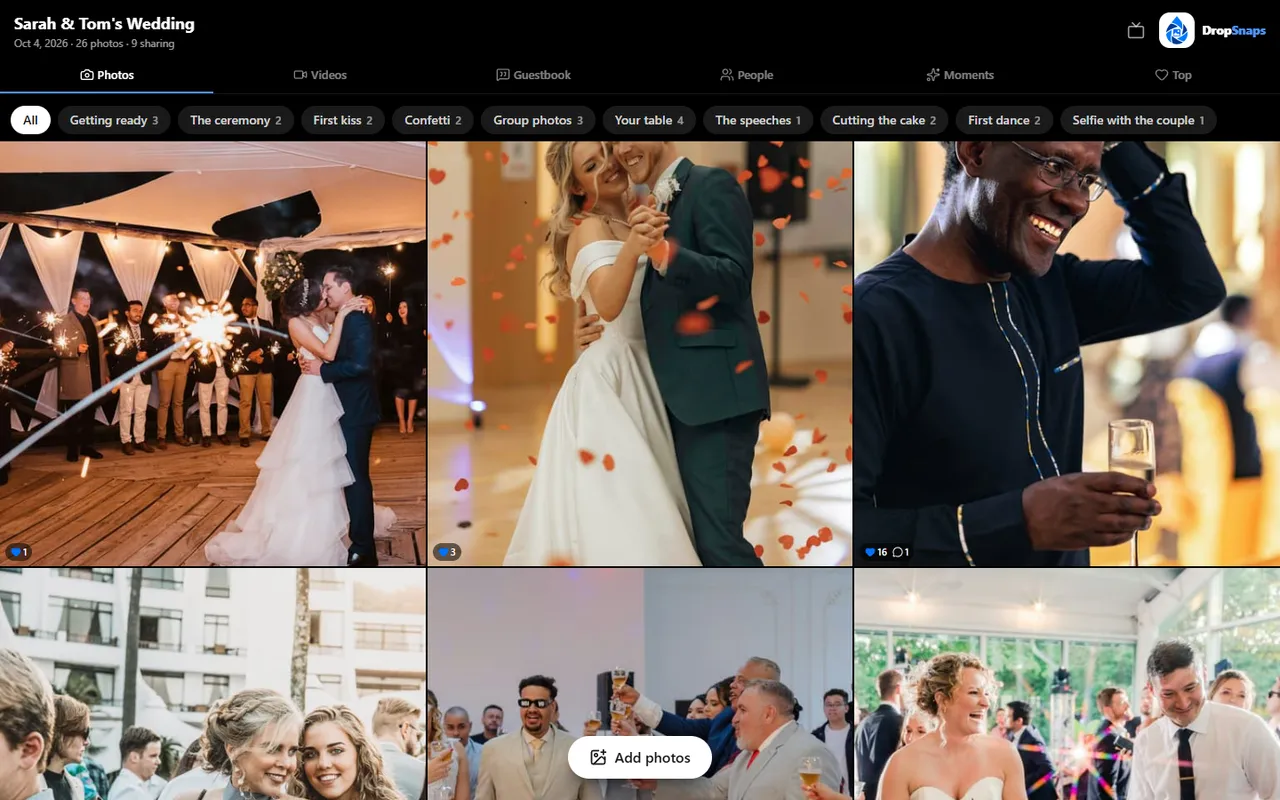
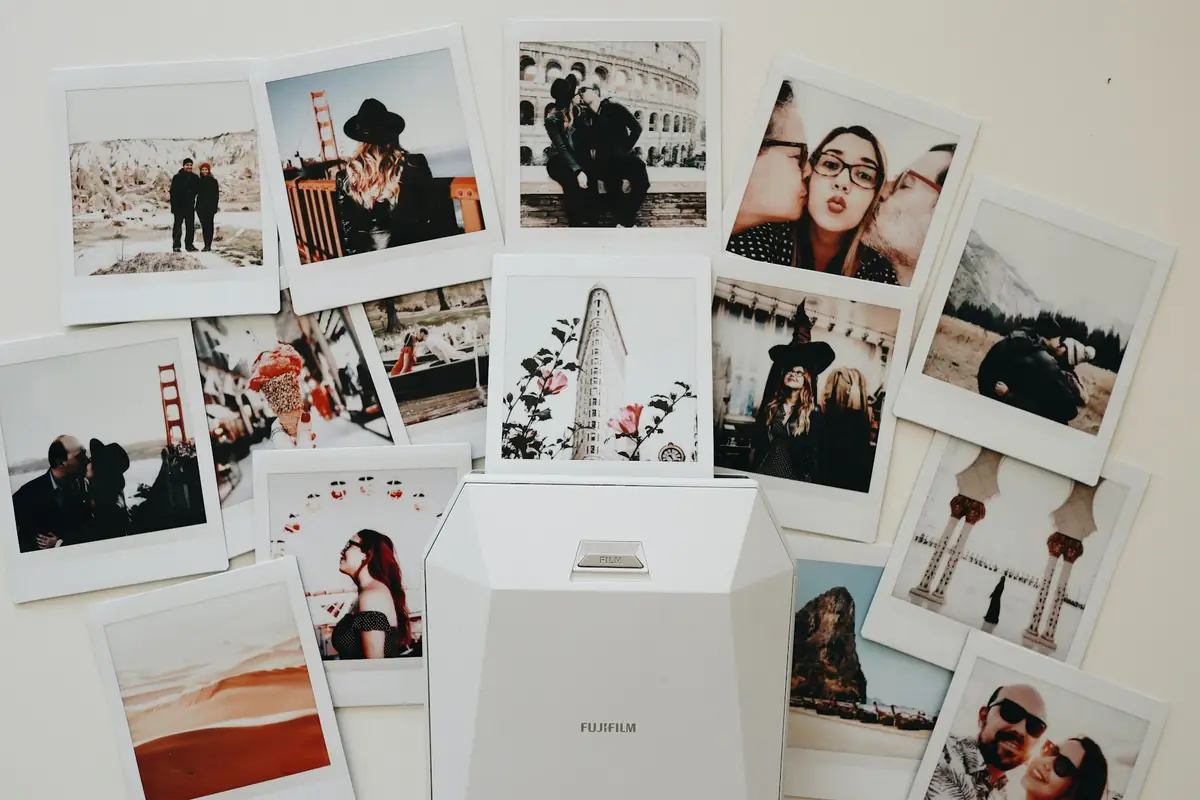
A live slideshow is the guests' version: everyone scans a QR code and their photos appear on the screen within moments. With DropSnaps it runs full screen in a browser, shows newly shared photos first, and keeps a QR code in the corner so anyone watching can join in. You can choose a classic, collage or polaroid look.
The live slideshow: guests' photos as they share them, with the QR code in the corner
Many couples run both: the story slideshow once, before the speeches, and the live slideshow for the rest of the evening. See our live photo wall guide for the set-up.
Equipment for any slideshow
A TV or projector and a screen the room can see
A laptop with the slideshow on it, plus a USB copy
An HDMI cable and a power lead
Speakers, if there's music (check with the band or DJ)