Funeral photo display ideas: boards, tables, slideshows and online
Memory boards, photo tables, timelines, a slideshow and an online page everyone can add to, with sizes, printing tips and how to gather photos from the whole family.
Updated 8 min readBy the DropSnaps team
Quick answer
The usual ways to display photos at a funeral are a memory board on an easel (20 to 40 photos across a life, A1 or A2, pinned so they come off afterwards), a photo table with frames and a few belongings, a timeline on string, a slideshow on the venue's screen, and an online memorial page everyone keeps adding to. Ask the funeral director what the venue can show.
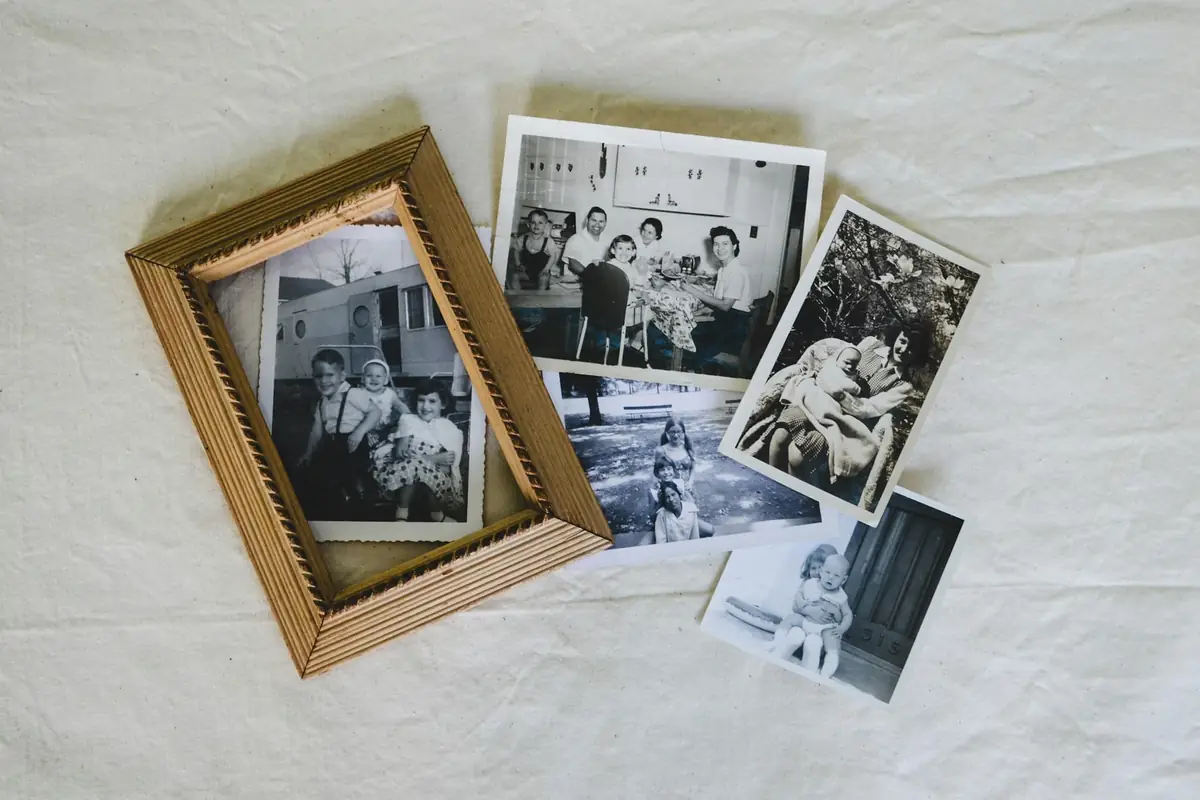
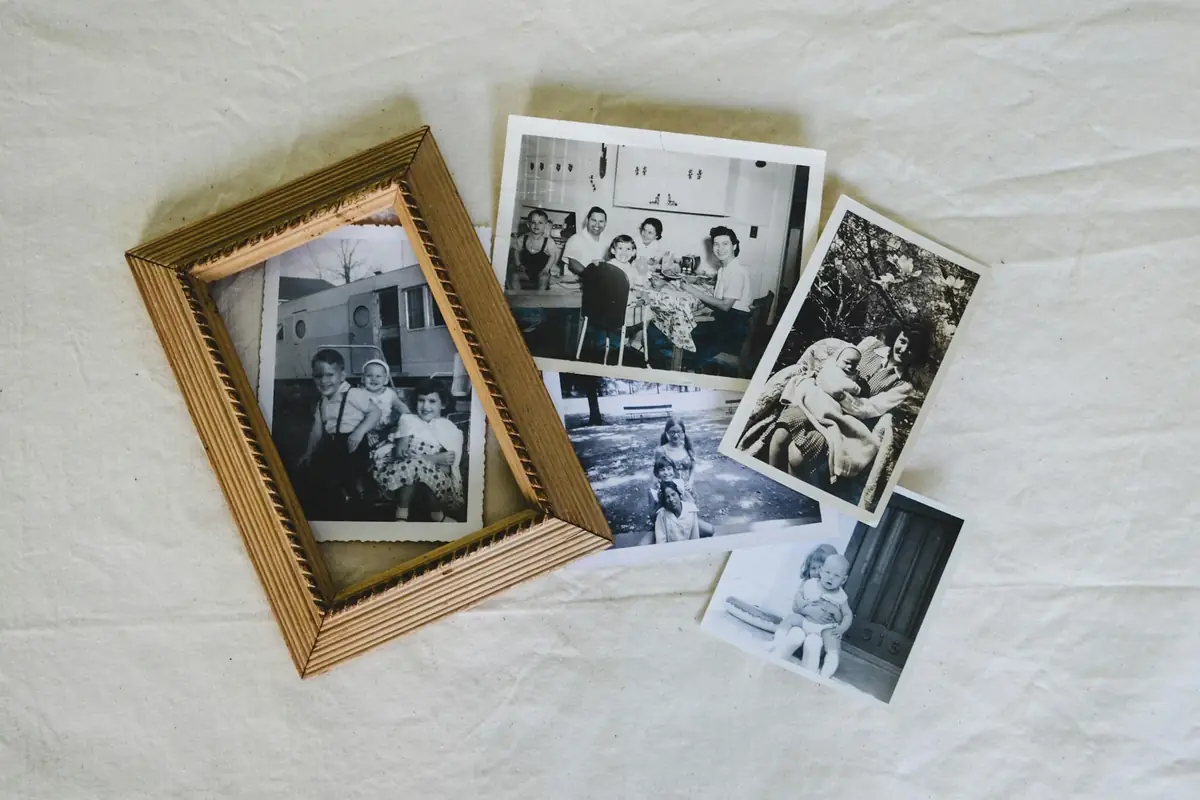
A photo display at a funeral or memorial does something no reading or eulogy can: it shows the person at every age, in the places and with the people that made up their life, and it gives mourners something to gather round and talk about. This guide covers the ways to display photos at a funeral, from a memory board on an easel to a slideshow on the crematorium screen and an online memorial everyone can add to, with practical notes on sizes, printing and getting photos from the whole family.
Ways to display photos at a funeral
A memory board. The classic: a large board on an easel at the entrance or in the room where people gather afterwards, covered in photos from across a life. Guests stop at it on the way in and come back to it afterwards.
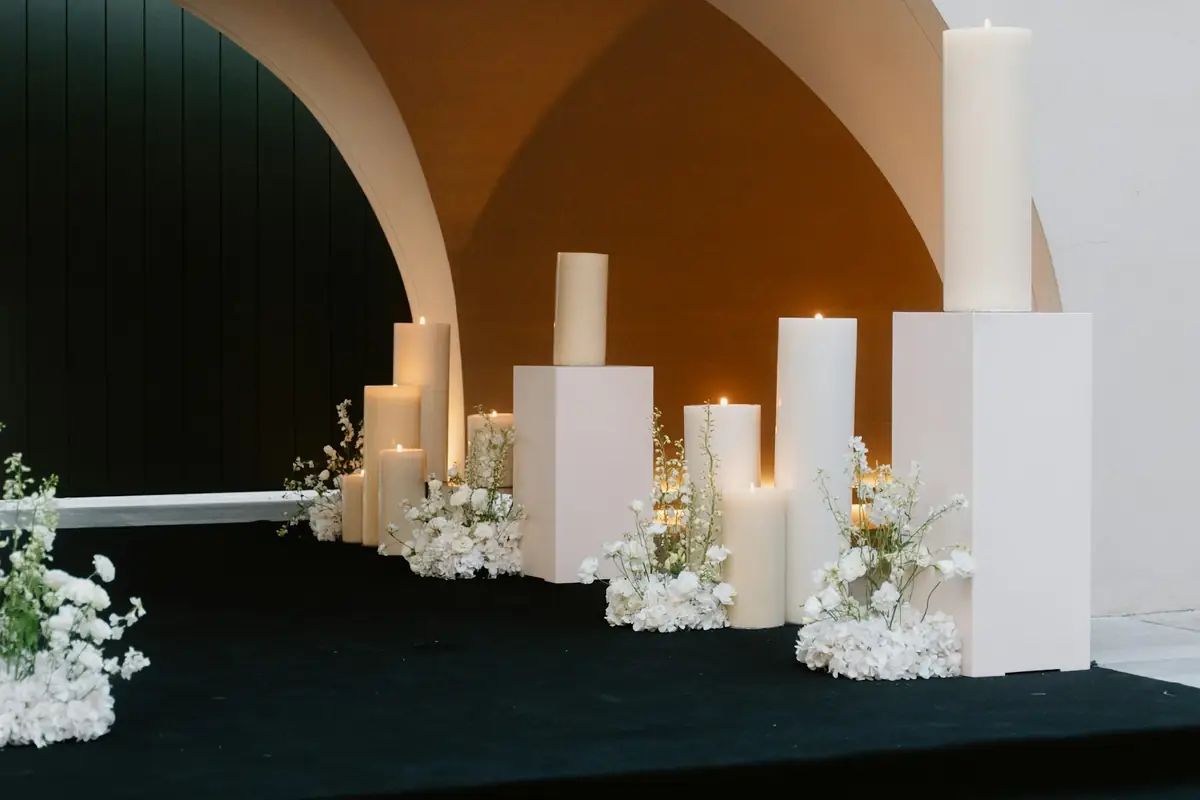
A photo table. Framed photos, a few belongings (a hat, a trophy, a favourite book, a pair of glasses), flowers and perhaps a candle, on a table by the door or at the wake. It's quieter than a board and suits a smaller gathering.
A timeline. Photos in order from childhood to the last years, pegged along a length of string or ribbon, or laid out left to right on a long table. People love to walk along it.
A slideshow. Photos on a screen, with or without music, during the service or playing on a loop at the wake. Most crematoria and many churches and venues have a screen; the funeral director will know what the venue takes. The funeral slideshow guide covers how to make one, how long it should be and the songs people choose.
Photos in the order of service. A photo on the front and a few inside, so every guest takes a small display home.
An online memorial page. A page where family and friends add their own photos, videos and memories, from the day of the funeral onwards, which the family keeps afterwards. More on this below.
Many families do a board or a table at the venue and a slideshow during the service, and keep the online page going for the people who couldn't be there.
Making a funeral photo board
How many photos. Twenty to forty on an A1 board is about right; more than that and nothing stands out. Choose photos from every stage of life and with different people, and include the ordinary ones, a holiday, a garden, a kitchen, as well as the big occasions.
Size. A1 (594 × 841 mm) on an easel reads well in a room; A2 suits a smaller gathering or a table. Standard 6 × 4 inch prints work at either size, with a few bigger ones (7 × 5 or 10 × 8) for the photos that matter most.
The board itself. Foam board from a stationer or craft shop is light and takes glue dots or double-sided tape. A corkboard takes pins, so prints come off undamaged afterwards. A large frame with a backing board looks more finished. Easels can be hired from the funeral director or a venue, or bought cheaply.
Layout. Lay the prints out on the floor first. A loose timeline (childhood top left, recent years bottom right) helps people find their way round; a few short captions ("Cornwall, 1978", "With Nan, 2019") in a clear hand or printed on card labels answer the questions people will ask.
Printing quickly. A supermarket or high-street photo counter, or an online printer with next-day delivery, will print from a phone or a USB stick on the day you order. Scan old prints with a phone app or ask a photo shop to do it; the slideshow guide's section on scanning old photos explains how.
Afterwards. Photos pinned rather than glued come off cleanly, so the board can become an album, or the prints can go back to the people who lent them.
Gathering photos from everyone
The best photos are usually on other people's phones and in other people's drawers: a cousin's wedding album, a colleague's leaving-do photo, a grandchild's phone. Ask early and make it easy:
- Set up one place for everyone to send photos to, rather than a dozen WhatsApp threads. A shared folder works; a page with a QR code that people open on their phone and upload to works better, because it needs no app, no account and no explaining.
- Ask for the originals, not screenshots, so they print well.
- Ask for a line with each photo: where, when, who. Those lines become the captions.
- Give a date you need them by for the board or the slideshow, and keep collecting afterwards for the album.
DropSnaps works this way: the family creates an event, shares the link or the QR code, and everyone adds photos and videos from their phone's browser, with a note if they want. Everything lands in one place, sorted by moment ("Old photos", "Family", "The service", "Favourite moment"), ready to download in full quality. It's free for up to 50 photos. The celebration of life guide has more on asking people for memories.
An online memorial everyone can add to
An online memorial page keeps the display going after the day, for the people who were there and the people who couldn't be. The simplest version is the same page you used to collect photos for the board: put its QR code in the order of service and on a card by the memory board, and guests add their own photos and memories during the wake and in the weeks after, when stories surface.
With DropSnaps the page shows everything as a wall (photos, videos and written memories together), can be protected with a PIN so only people who have the link and the code can see it, and lets the family download everything as a set of originals at any time. Photos are kept for 30 days on the Free plan and 12 months on the paid plans, which is enough time to make an album and share it with the family before the page closes.
If you'd rather a permanent page, a funeral director or a charity's tribute-page service can set one up; those usually combine a page for donations with photos and messages.
At the crematorium or church
- Ask what the venue allows and provides. Most crematoria have a screen and a system for playing a slideshow; some need the file days in advance, in a particular format. Churches vary. The funeral director deals with this all the time and will tell you.
- Boards and tables need a home. Check where an easel can stand without blocking the aisle, and whether the board can move to the wake afterwards.
- Give one person the job of setting the display up and taking it down, so the family doesn't have to think about it on the day.
- Photos during the service. Some families welcome them, others don't. If you'd rather people didn't, a line in the order of service ("Please keep phones away during the service") is enough.
A short checklist
- Choose 20 to 40 photos across the whole life, from several people.
- Decide: board, table, timeline, slideshow, online page, or a mix.
- Order prints (and scan old ones) at least two days before.
- Board, easel or frame, glue dots or pins, a few caption cards.
- Set up one place for everyone to send and add photos, and put its code in the order of service.
- Check what the venue can show and where the display can stand.
- Give someone the job of setting up, packing up and sending everyone the photos afterwards.
Questions people ask
How many photos should go on a funeral photo board?
Twenty to forty on an A1 board, from every stage of life and with different people, including the ordinary moments as well as the occasions. More than that and nothing stands out; a second board is better than a crowded one.
What size should a funeral photo board be?
A1 (594 × 841 mm) on an easel for a room where people gather; A2 (420 × 594 mm) for a smaller gathering or a table. Standard 6 × 4 inch prints work at either size, with a few larger prints for the photos that matter most.
Can you show photos at a crematorium?
Most crematoria have a screen and a system for playing a slideshow, and many churches and venues do too; some need the file days in advance in a particular format. The funeral director arranges this routinely and will tell you what the venue takes and where a board can stand.
How do we collect photos from the whole family?
Set up one place everyone sends photos to rather than many message threads: a shared folder, or a page with a QR code that people open on their phone and upload to with no app or account. Ask for originals rather than screenshots, a line about where and when, and a date you need them by.
What is an online memorial page?
A private web page where family and friends add photos, videos and written memories, from the day of the funeral onwards. With DropSnaps it's the same page used to collect photos for the board: put its QR code in the order of service, protect it with a PIN if you like, and download everything in full quality afterwards.